Scan Any Code
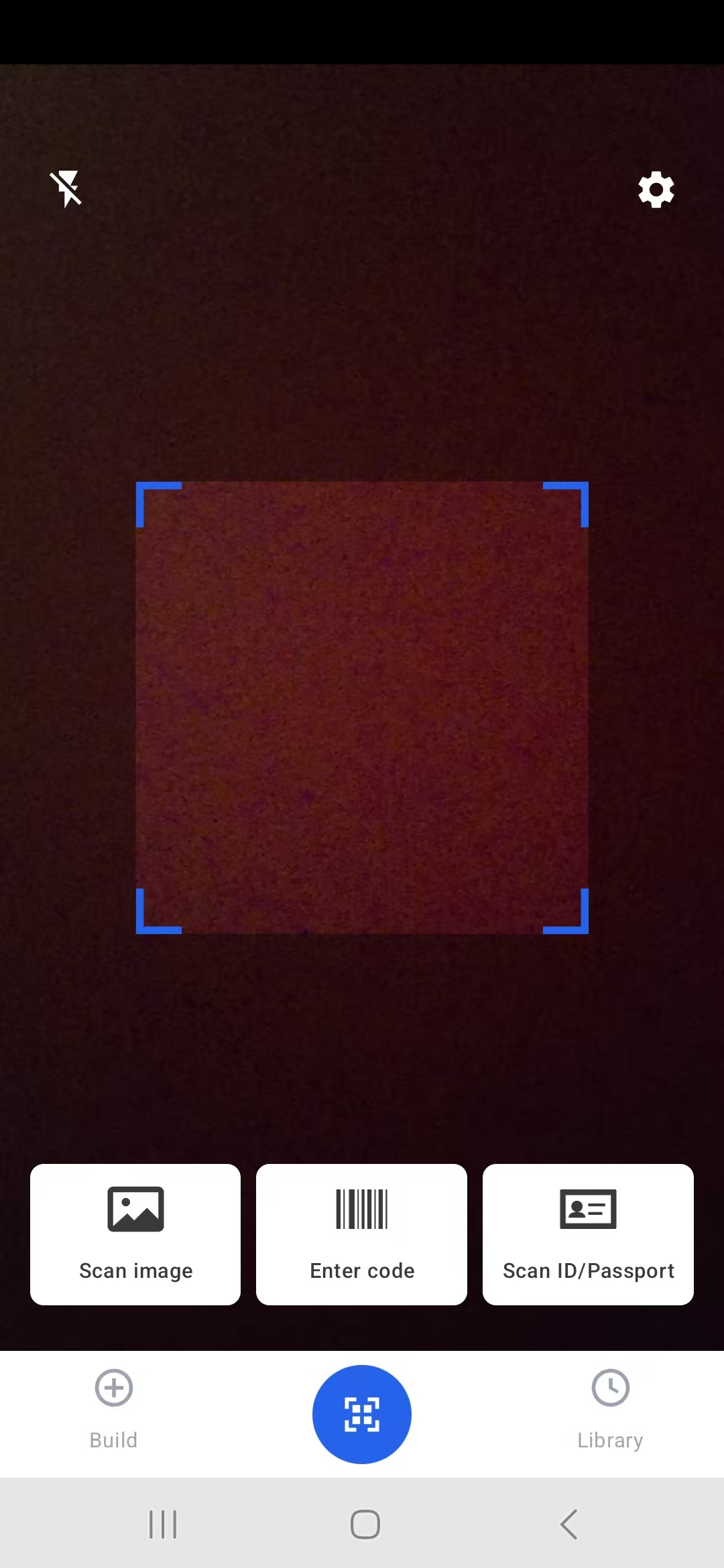
Use the camera, import an image, or enter a code manually.
 QR Scanner & Barcode - Anchor
Google Play
QR Scanner & Barcode - Anchor
Google Play

Available for Android only.
Android QR utility
QR Scanner & Barcode - Anchor keeps common code tasks fast: open a link from a QR code, read a product barcode, create shareable QR codes, and keep useful scan history close at hand.
Use the camera, import an image, or enter a code manually.
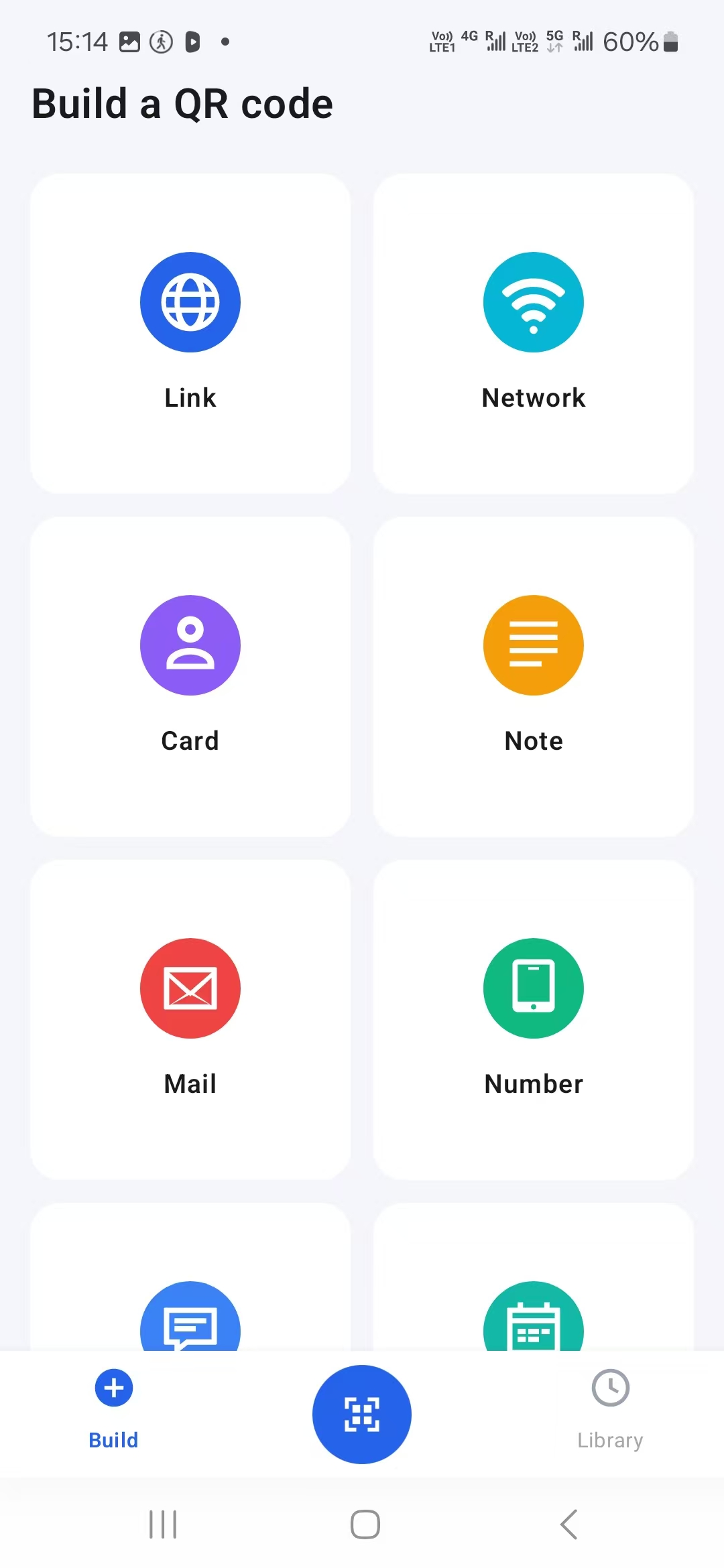
Build QR codes for links, Wi-Fi, contacts, notes, email, and numbers.
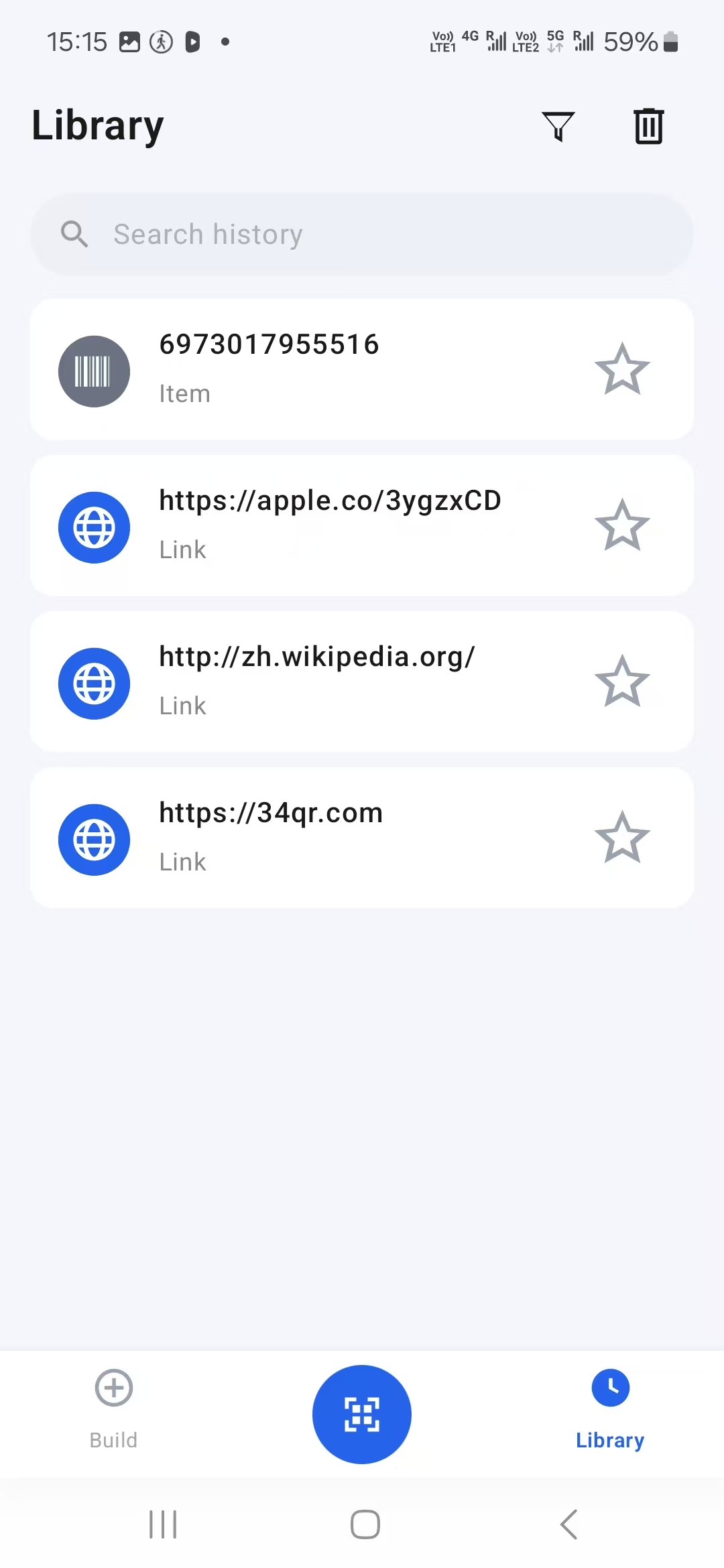
Review previous scans, search history, and mark important items.
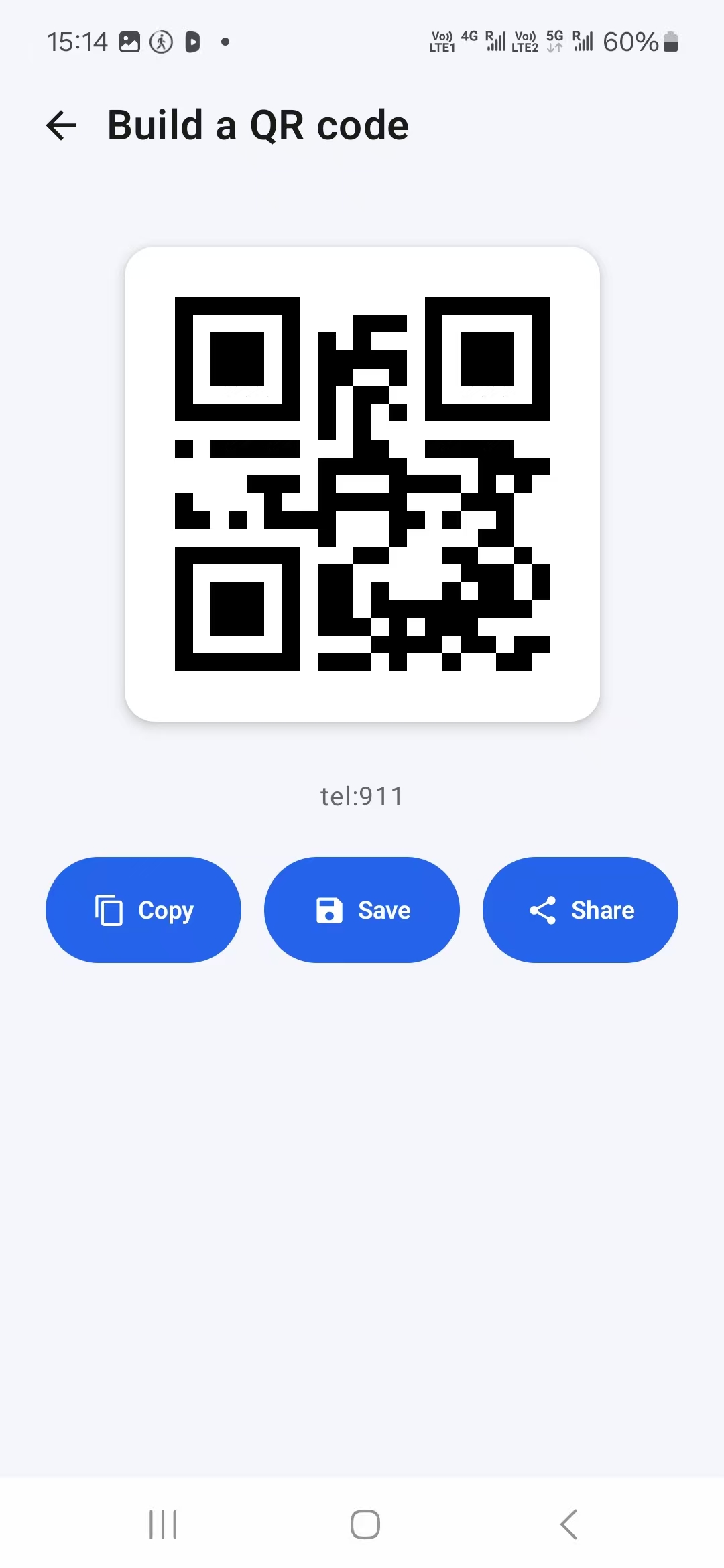
Move generated codes into messages, files, or your usual workflow.
App screens
The interface keeps the scanner in the center, with direct access to QR creation tools and a searchable library for previous results.
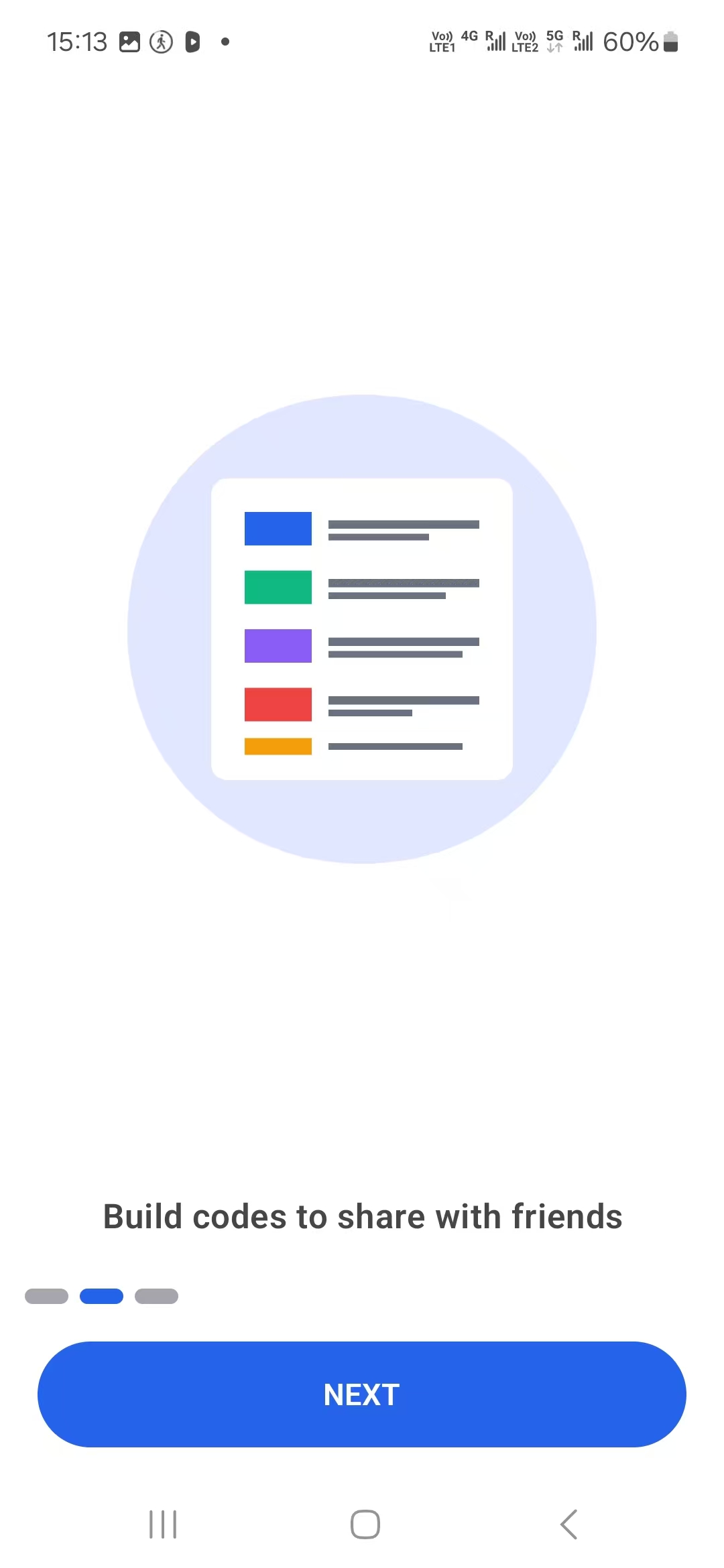
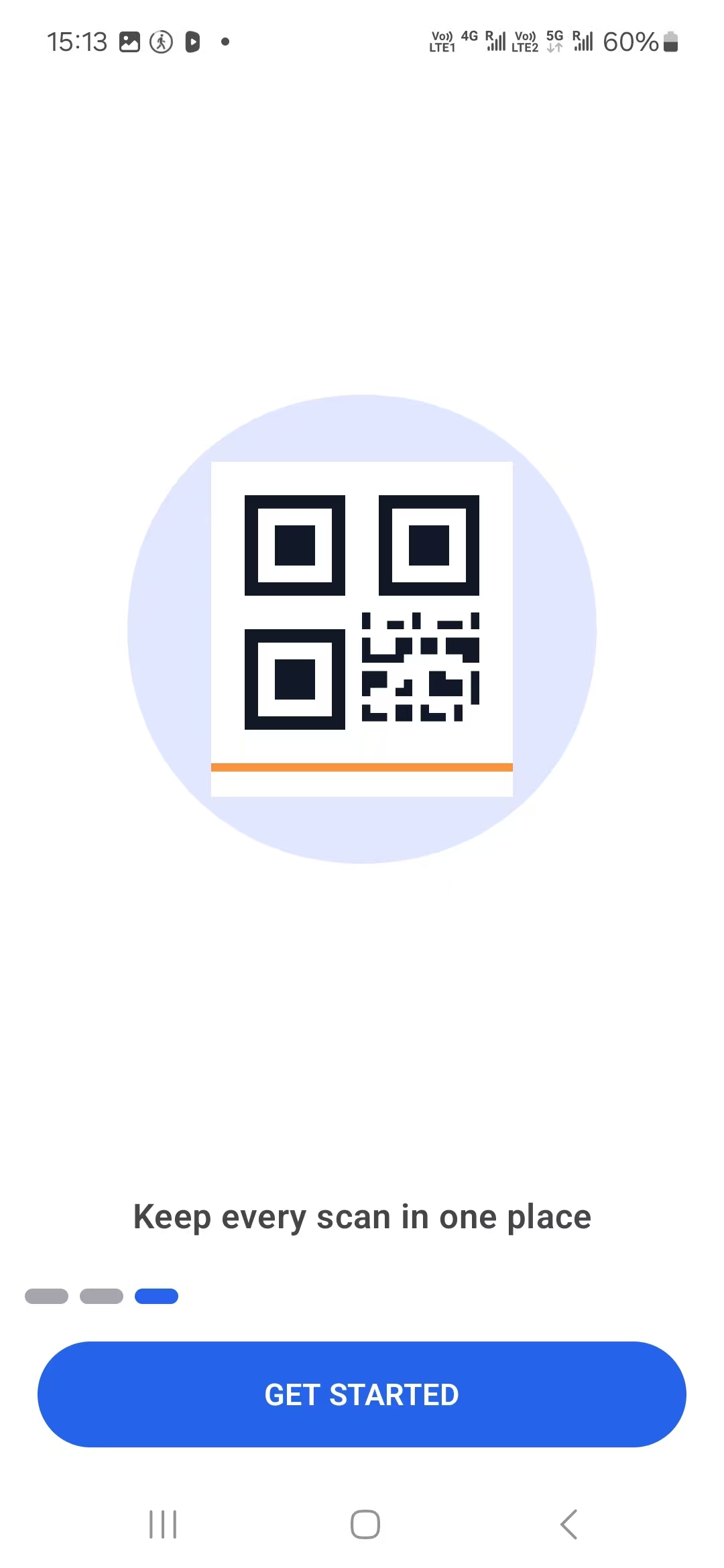
Simple onboarding
First-run screens introduce the three core jobs: read codes, build shareable codes, and keep scan records in one place.
Download
QR Scanner & Barcode - Anchor is currently available only for Android. There is no iOS version at this time.
Support
Use the support contact listed on the Google Play store page. The Privacy Policy and Terms of Service are available here for app store review and user reference.